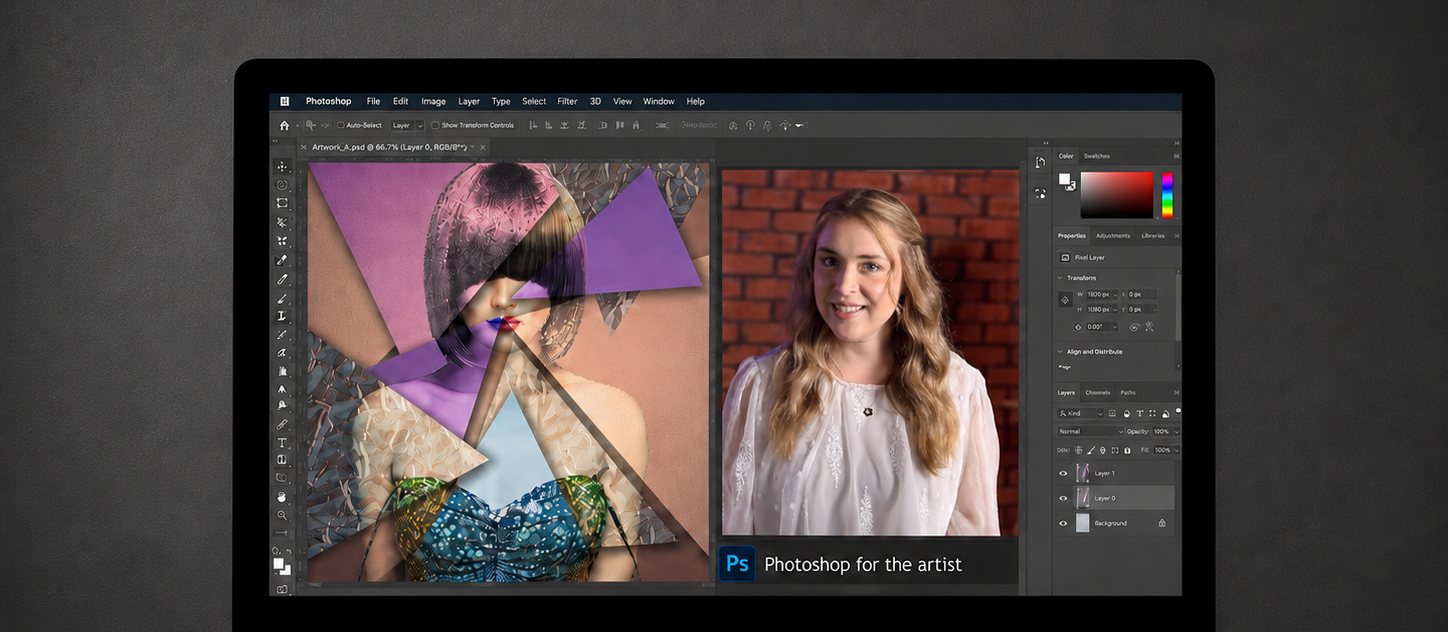
Photoshop for photographers
You do not need all of Photoshop. You need the photography half of it.
The part that takes a raw file and turns it into a photograph worth printing. Taught in order, by an artist who works this way every day.
Why it feels so hard
Photoshop is not the problem. The order you meet it in is.
Most photographers open Photoshop, see a wall of panels and menus that move with every update, and quietly close it again. That reaction is completely normal and it is not a sign that you lack talent.
It happens because Photoshop is taught as a piece of software rather than as a stage in making a photograph. Fine art photography editing is a narrow, learnable craft, and almost nobody teaches it that way. Nobody needs all of it. A fashion retoucher, a landscape photographer and an abstract artist use three different corners of the same programme and ignore the rest.
There is a photography half of Photoshop, and it is much smaller than it looks.
Before any of that though, there is a step that decides how far you can go, and most people are already on the wrong side of it.
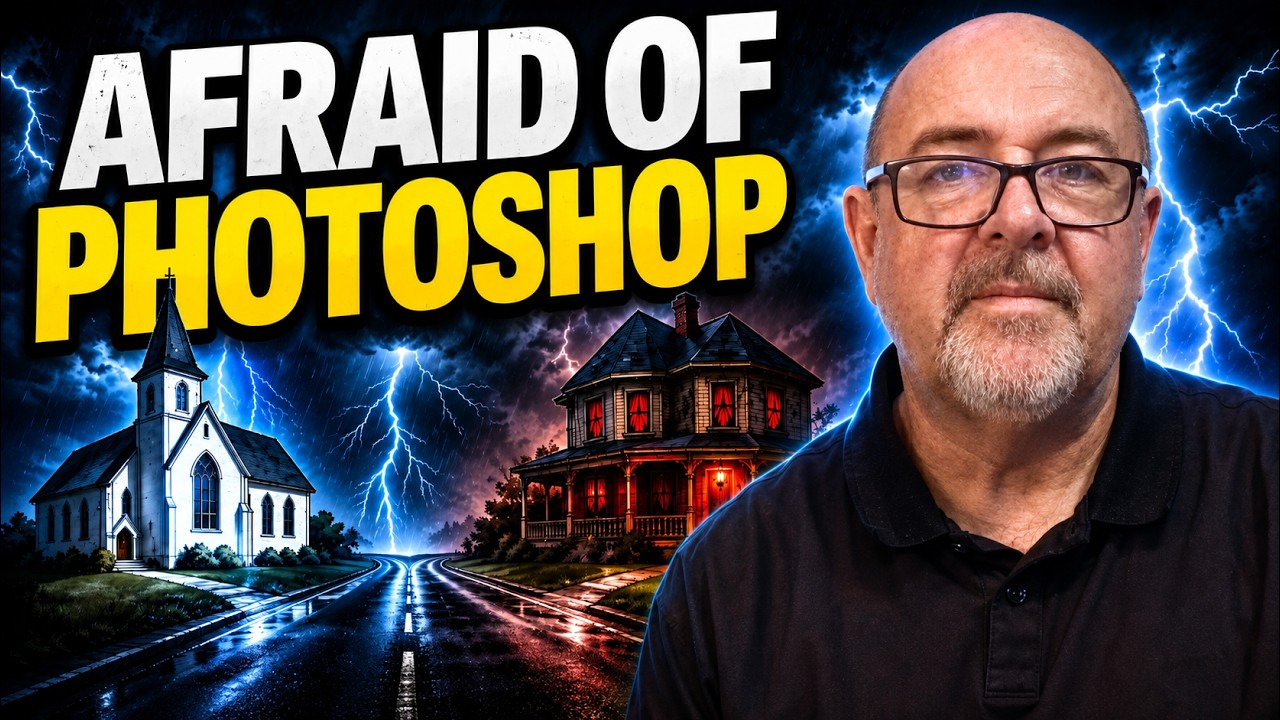
Martin Osner, Freeze Up When You Open Photoshop? Fine Art Photography Editing, Finally Explained. Opens on YouTube.
The trap almost everybody falls into
If you shoot JPEG and edit the JPEG, you are working on a second hand result made from a second hand file. Your camera builds that JPEG from the raw file, makes every decision for you, and then throws the raw away.
It is the same as handing a roll of film to a lab, letting them develop it, print you a few postcards, and then bin the negative. Whatever you do afterwards, you are working from the postcard.
The workflow that actually holds up runs the other way round. Shoot raw, develop the raw properly, and generate the pixel file from that. Everything else in this course sits on top of that one decision. We have written it up in more detail on raw versus JPEG.
What this actually is
The photography room of Photoshop, and nothing you will never use.
This is fine art photography editing, taught for photographers who want their work to carry feeling rather than for retouchers who want technical control for its own sake.
It is the artistic leg of the programme, the editing that turns a good exposure into a piece worth hanging. It is not a course about learning Photoshop from beginning to end, and it is deliberately not a course about building composites out of five different photographs. It is about taking a photograph you already made and carrying it somewhere.
Taking work into an artistic space does not mean giving up on quality. That is why the workflow starts where it does, with the raw file, and why nothing here depends on a one click filter. You stay in control of every decision, because the point is your voice, not the software's.
And there is a second effect that our members almost never expect. Once you understand what the workflow can do, your photography improves, because you start seeing the finished piece while you are still standing behind the camera.
The workflow
Four stages, taken in order, because the order is the lesson.
Skip a stage and the next one fights you. This is the sequence a working artist actually follows, from the card in the camera to the finished piece.
STAGE ONE
Take control of your images
Getting your files off the card, sorted, marked and findable in Bridge, so the work you want is the work you can reach. Unglamorous, and the reason everything downstream stays calm.
STAGE TWO
Develop the raw properly
Camera Raw, which runs the same engine as Lightroom. This is where the photograph is actually made. Get this right and Photoshop becomes a much smaller job than you feared.
STAGE THREE
Move into the creative space
Carrying the developed file into Photoshop with its quality intact, and meeting the handful of tools that matter. Layers and layer masks, and what they genuinely let you do.
STAGE FOUR
The part that is yours
Controlled, intentional artistry. Effects you direct rather than apply, used to enhance what you already made by hand. This is where your style stops being an accident.
How it is taught
Twenty two lessons, and not one of them is long.
Video by video, step by step. Watch a little, pause, do it yourself, carry on. That is the whole method, and it is why our members who were frightened of the programme get through it.
Three further lessons are on their way and will be added to the course as they are finished. Anyone already enrolled simply finds them there.
Nothing expires. The lessons sit in your library and stay there, so when you forget how something was done eighteen months from now, you open the course and watch that one lesson again. Our members use it as a reference far more than they use it as a course.
It was built to follow Getting Started in Art Photography
This is not a separate course that happens to sit nearby. Samantha built it deliberately on top of Martin's course.
In Getting Started in Art Photography, Martin introduces a technique in Photoshop and shows you how it creates a particular look and feel. He takes it to the point where you can use it.
Photoshop for the Artist picks up each of those techniques and carries them further, into fine art photography editing proper, for our members who finished Martin's course and wanted to know how much further the same idea could go. Taken side by side, the two courses reach their full potential.
You can take this one on its own. Most people who love it did Martin's first.
Who teaches it
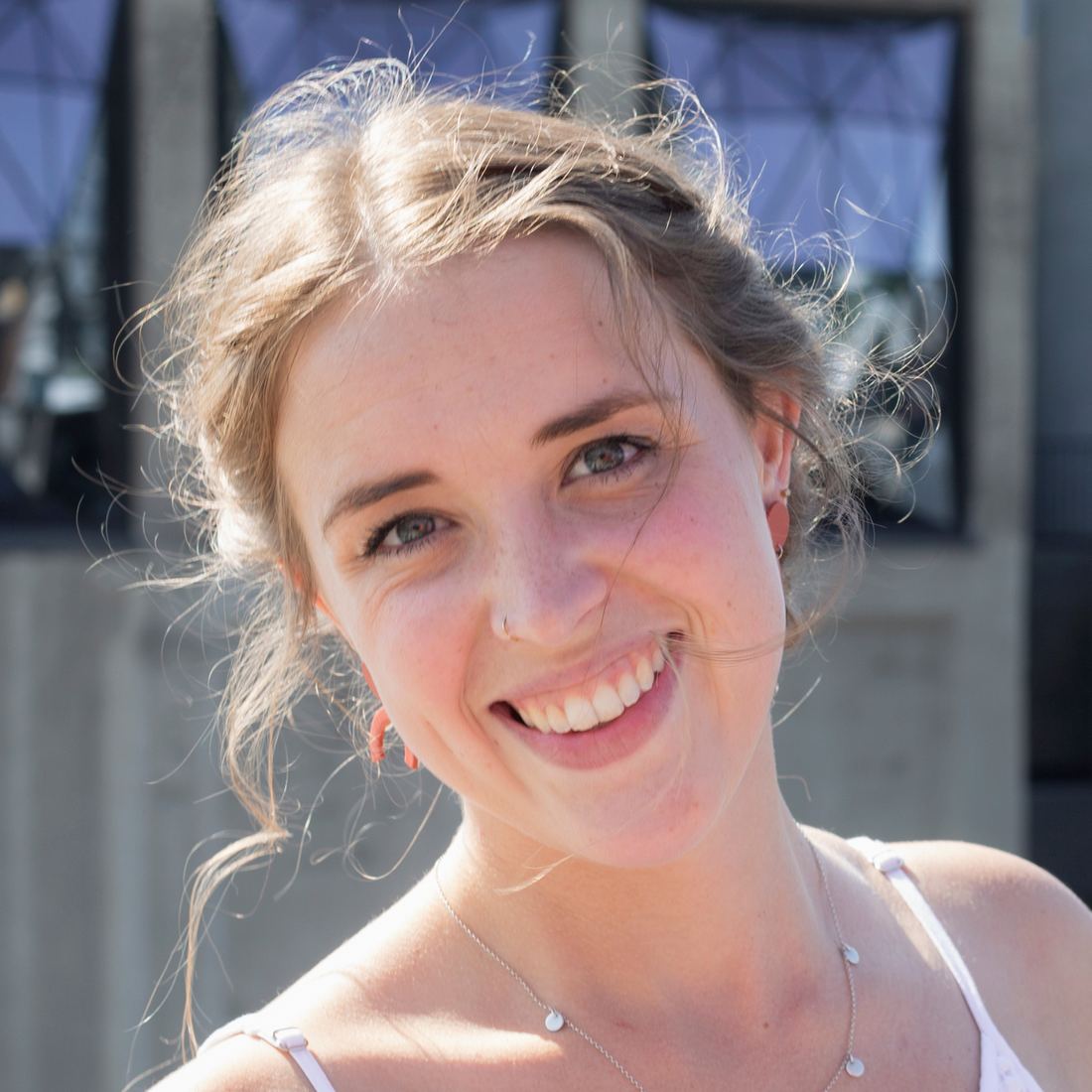
This one is Samantha's.
Martin teaches the photography, and takes each Photoshop technique to the point where it works. Samantha built this course to take those same techniques further, and she has been working this way, on her own art, for years.
She teaches simply. No jargon for its own sake, no showing off, no assumption that you already know what a layer mask is. Our members describe her the same way again and again, patient, and genuinely pleased when something finally clicks.
If you have watched Martin on YouTube and wondered who carries the editing side further, this is her, and this is the course.
What it looks like in practice
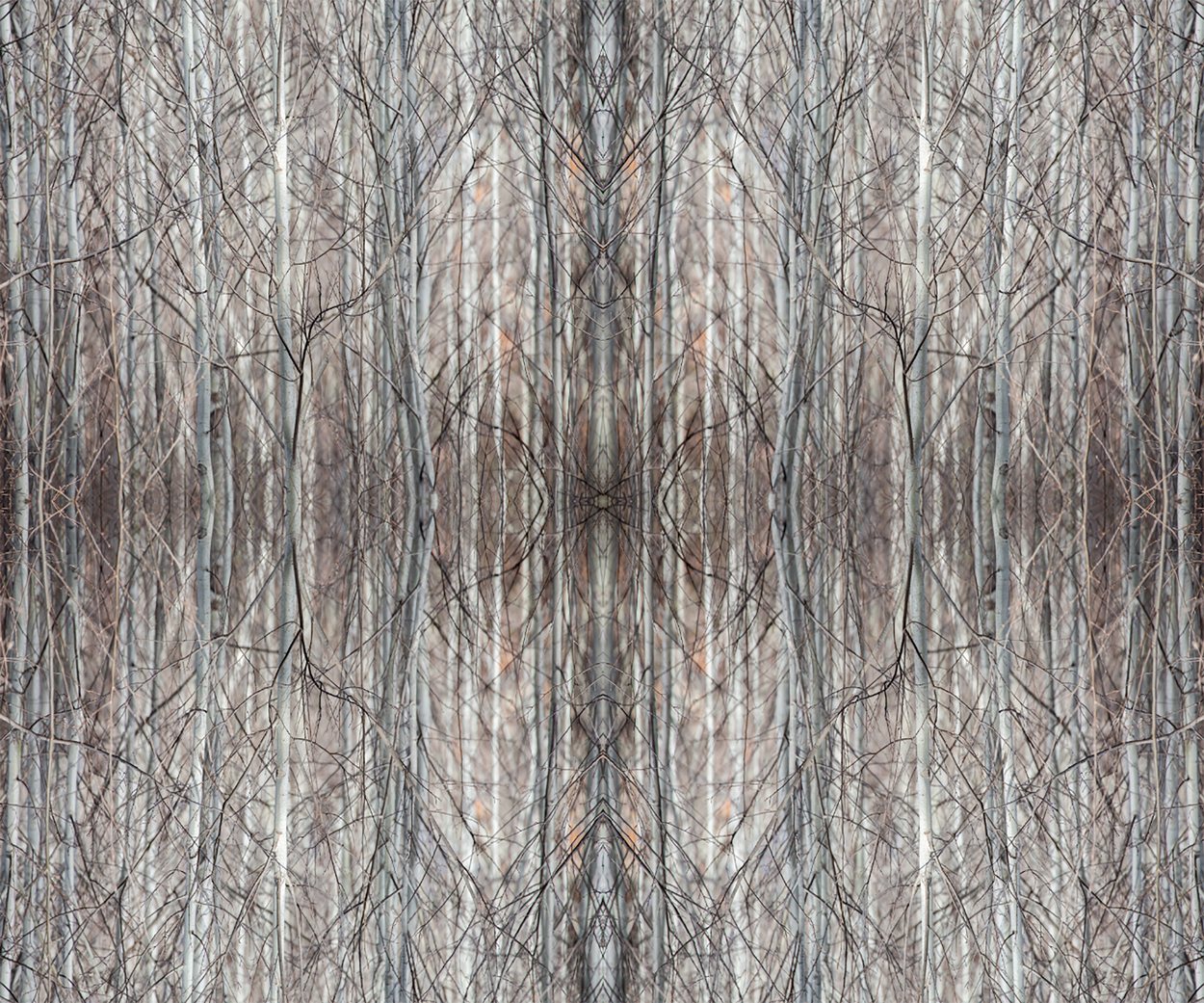
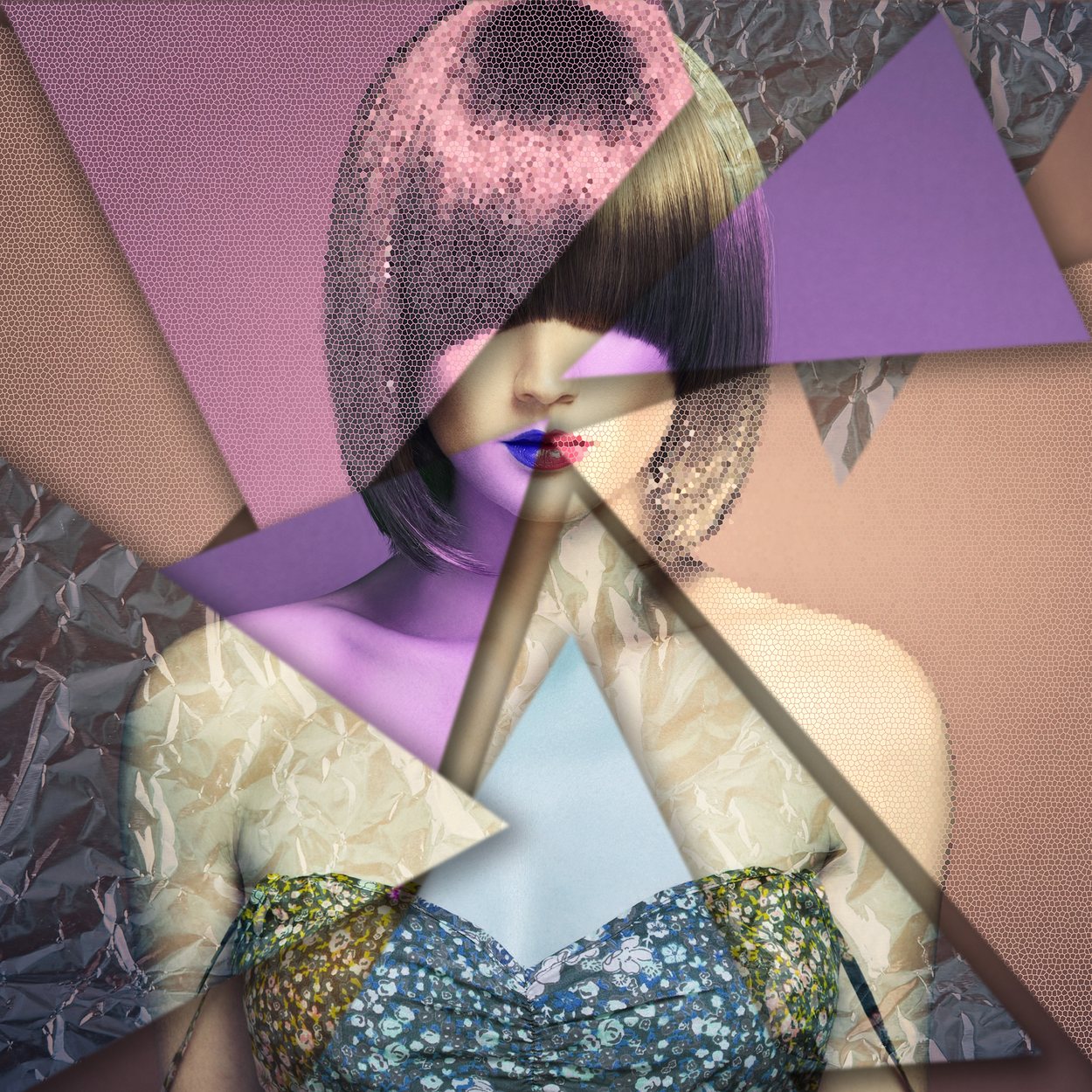
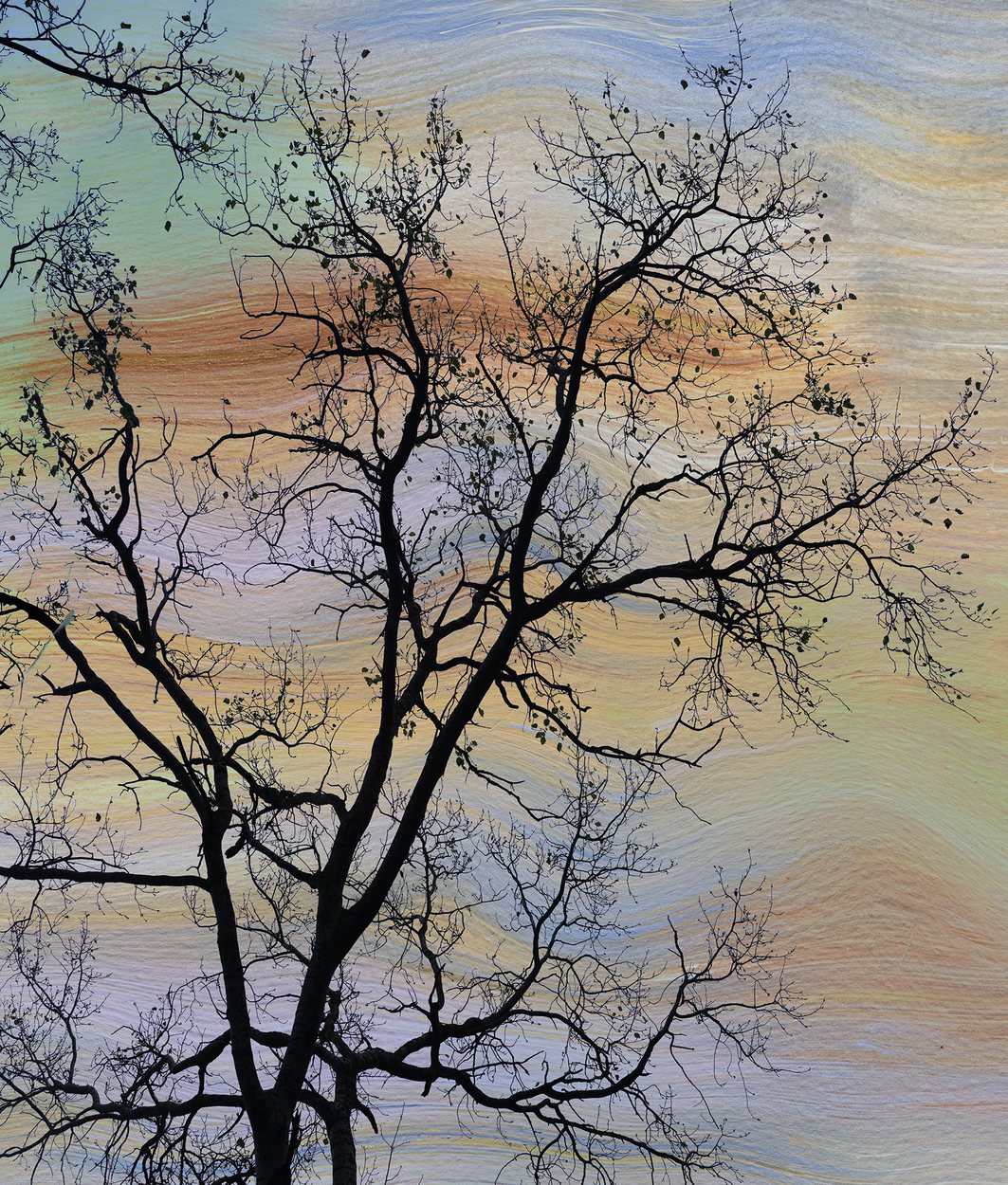
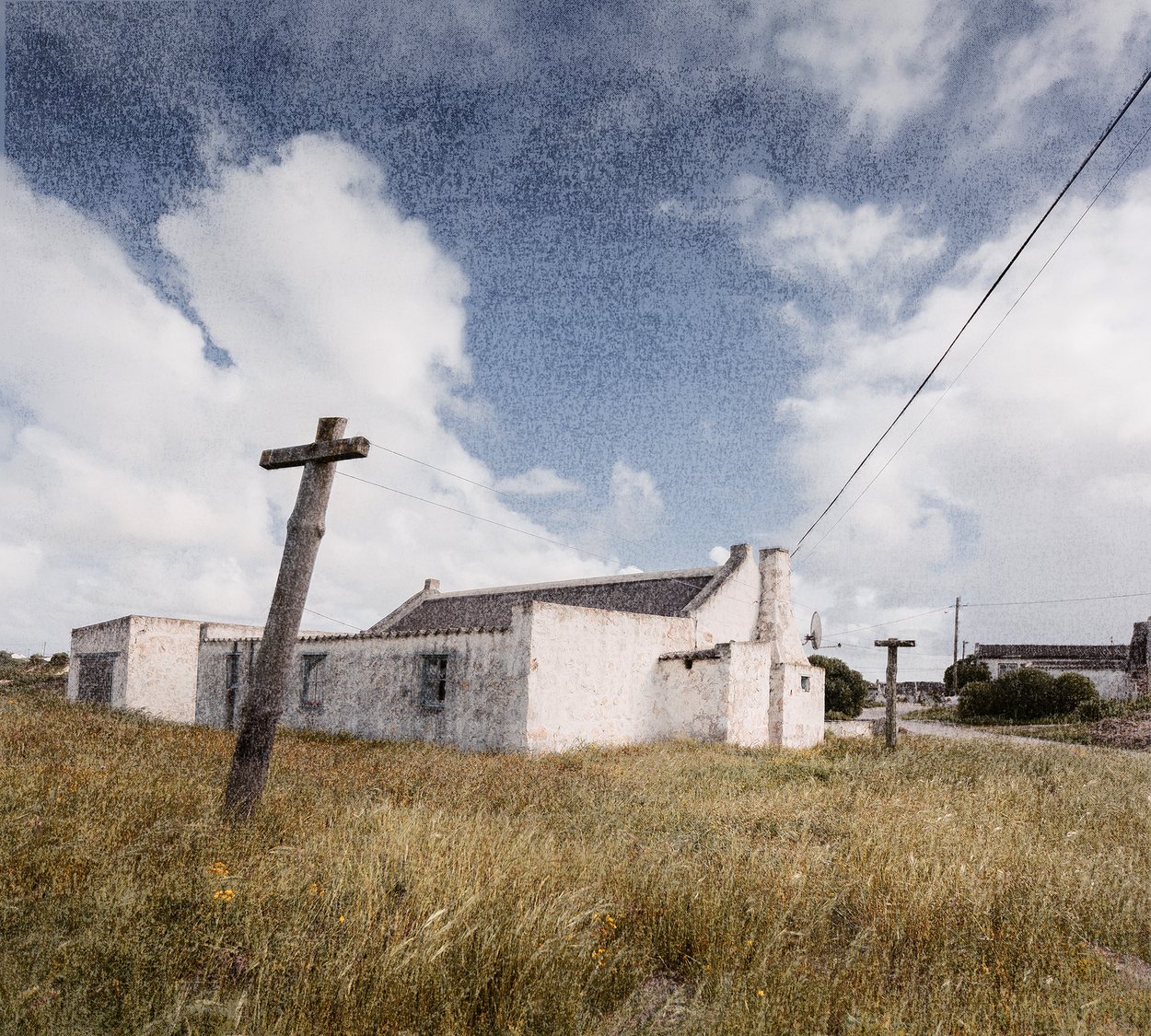
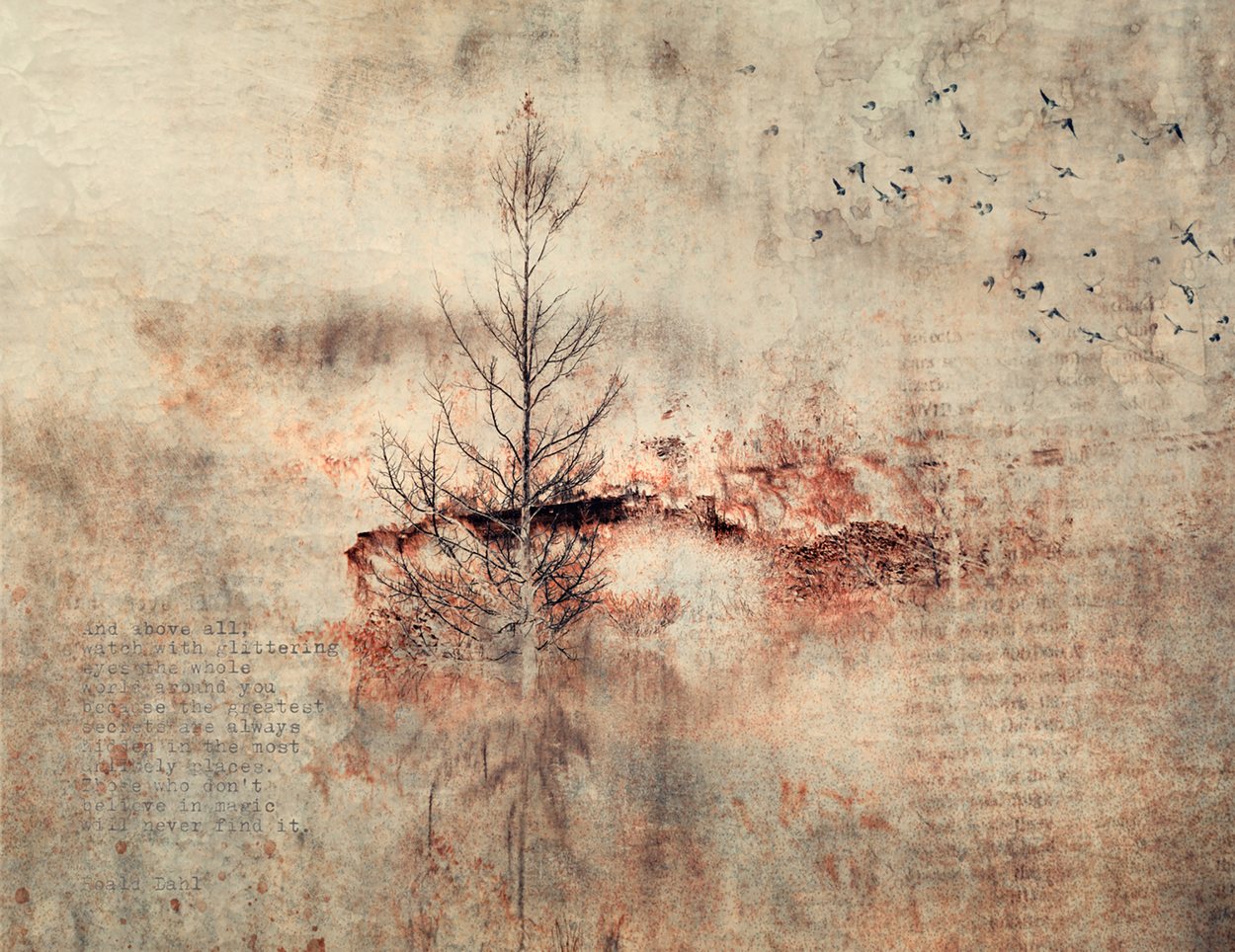
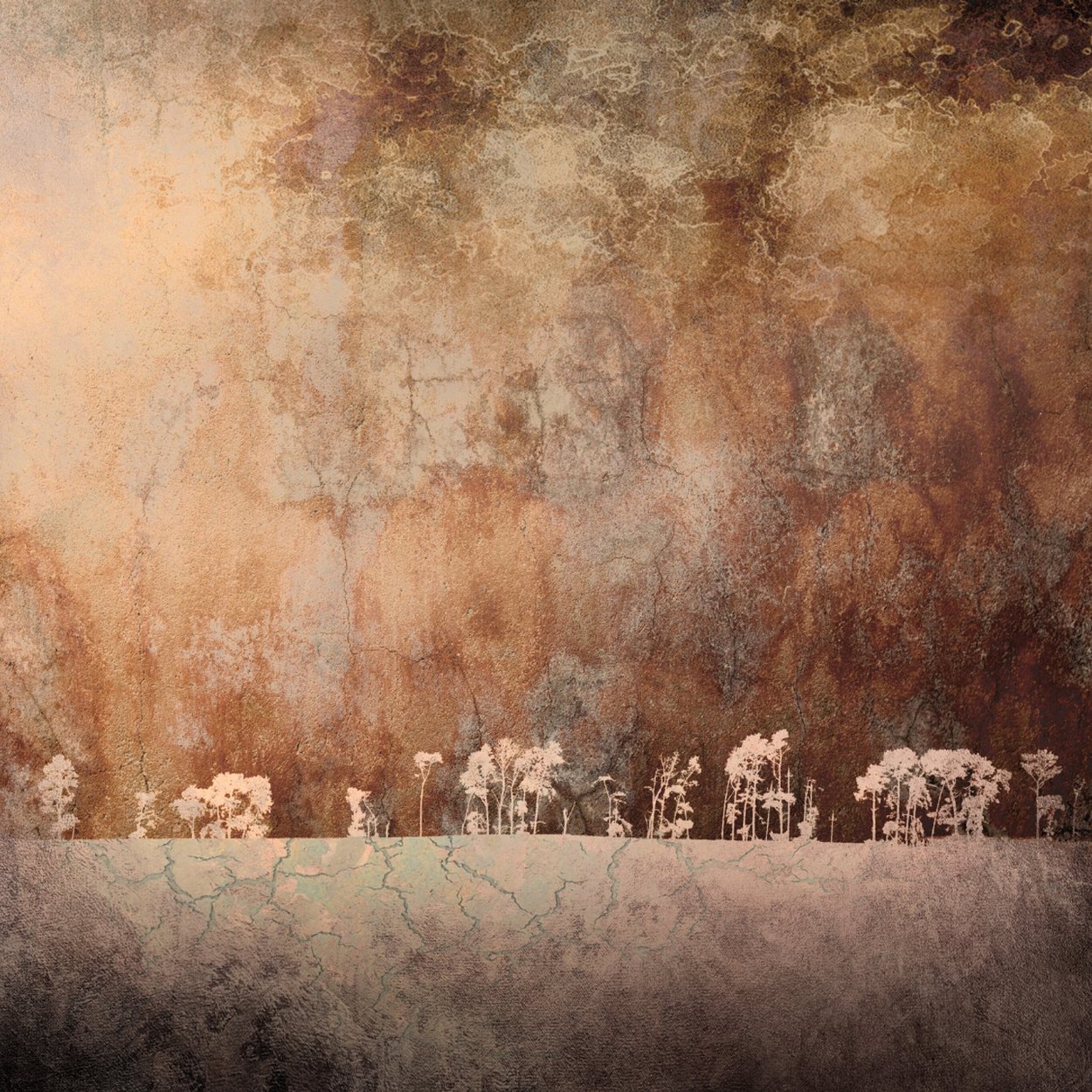
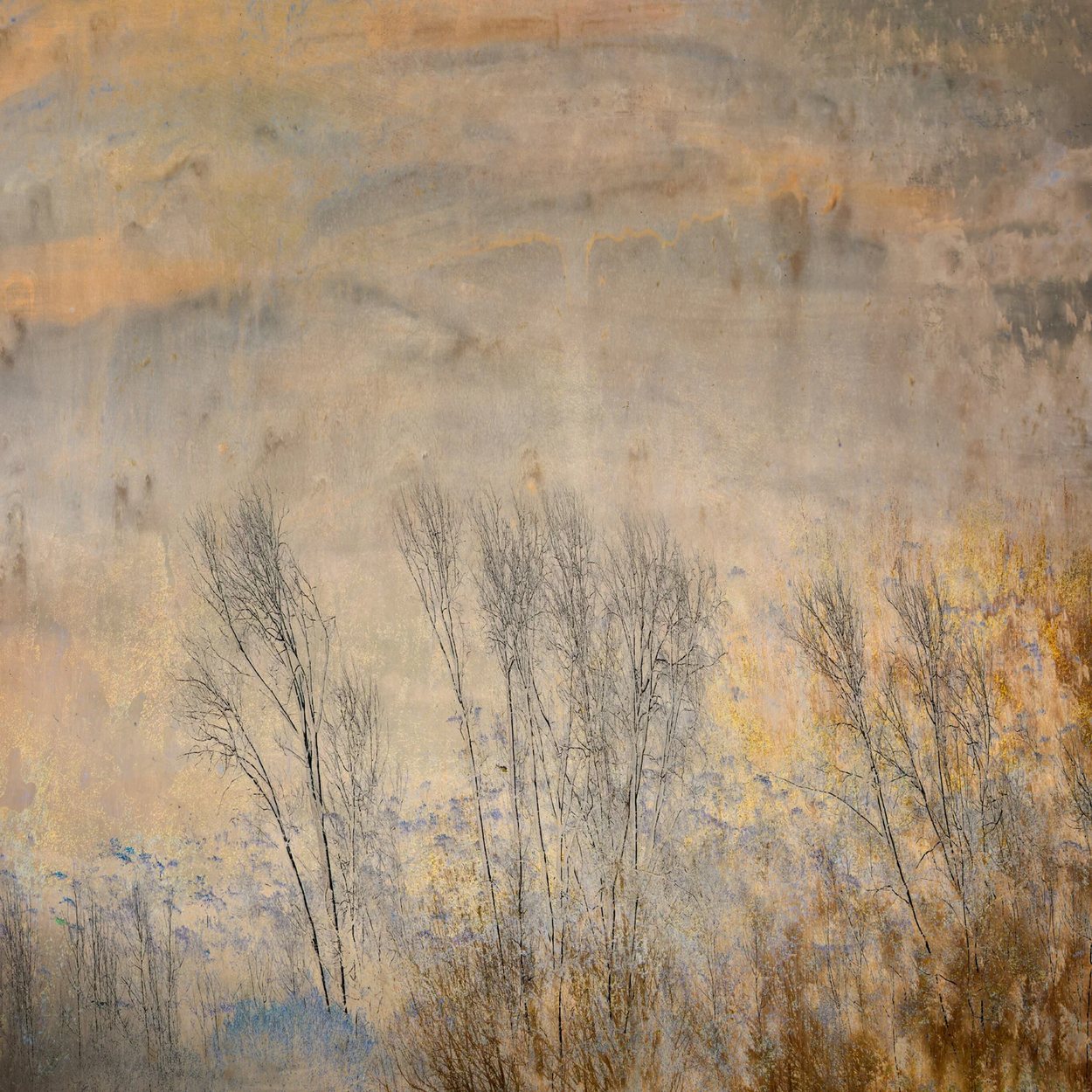
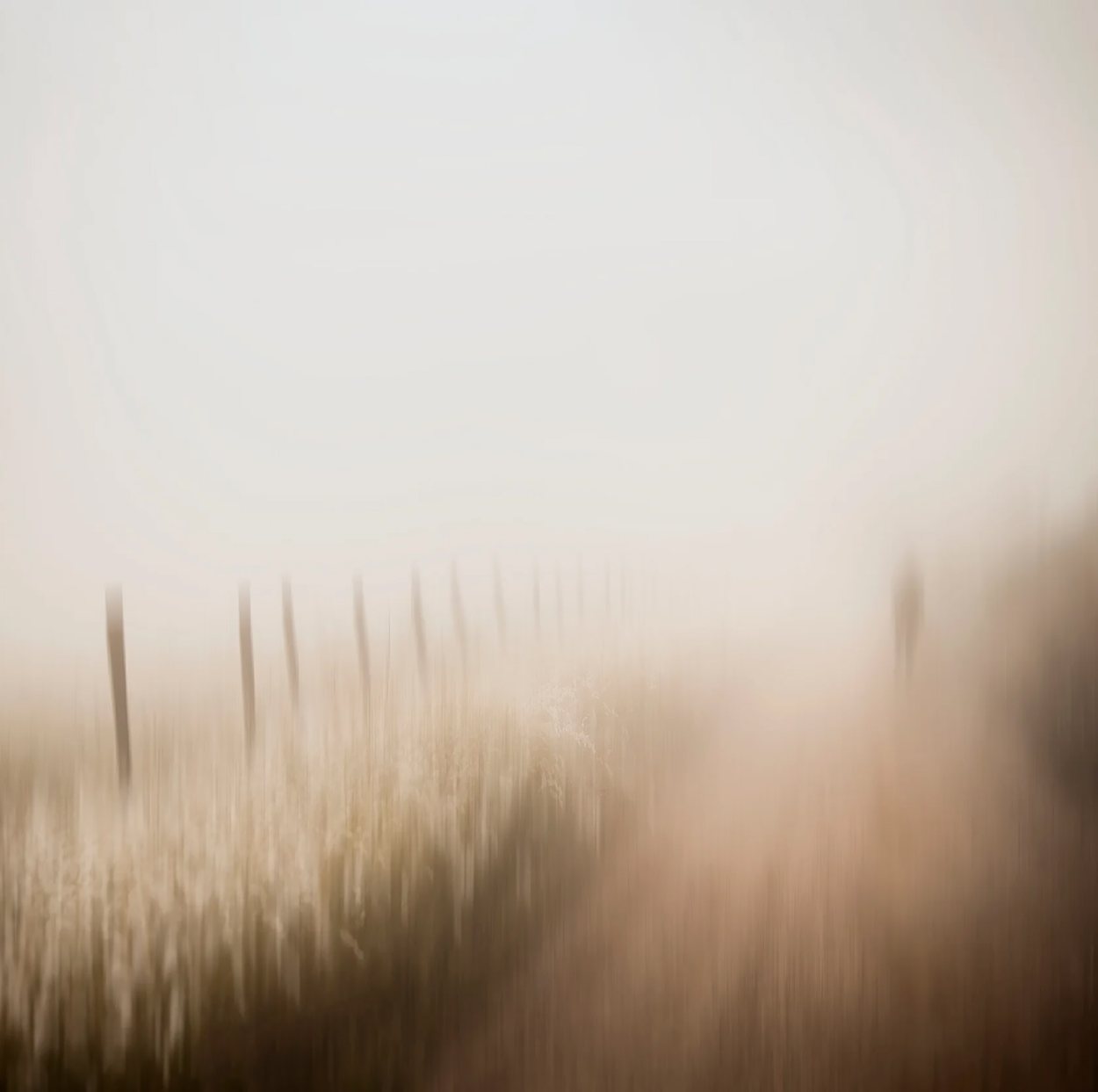
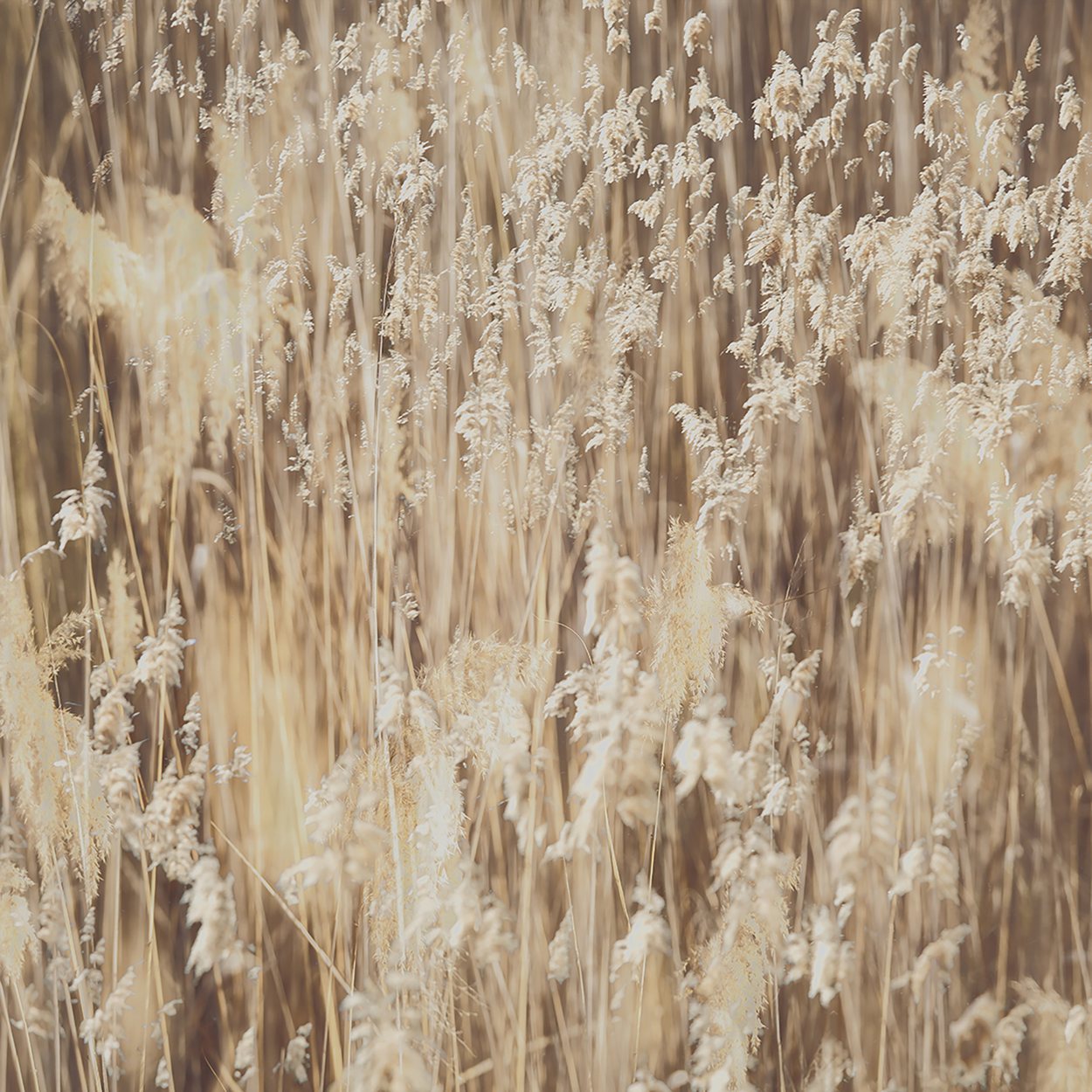
Nine of Samantha's own pieces.
Every one of these was made with the workflow the course teaches. Not filters, and not composites. A raw file, developed properly, then carried somewhere deliberate.
One to one, with or without the course
Samantha also teaches privately, on whatever you need.
You do not have to take the course to work with her. Some of our members book an hour and never buy anything else, because a course was never what they were looking for.
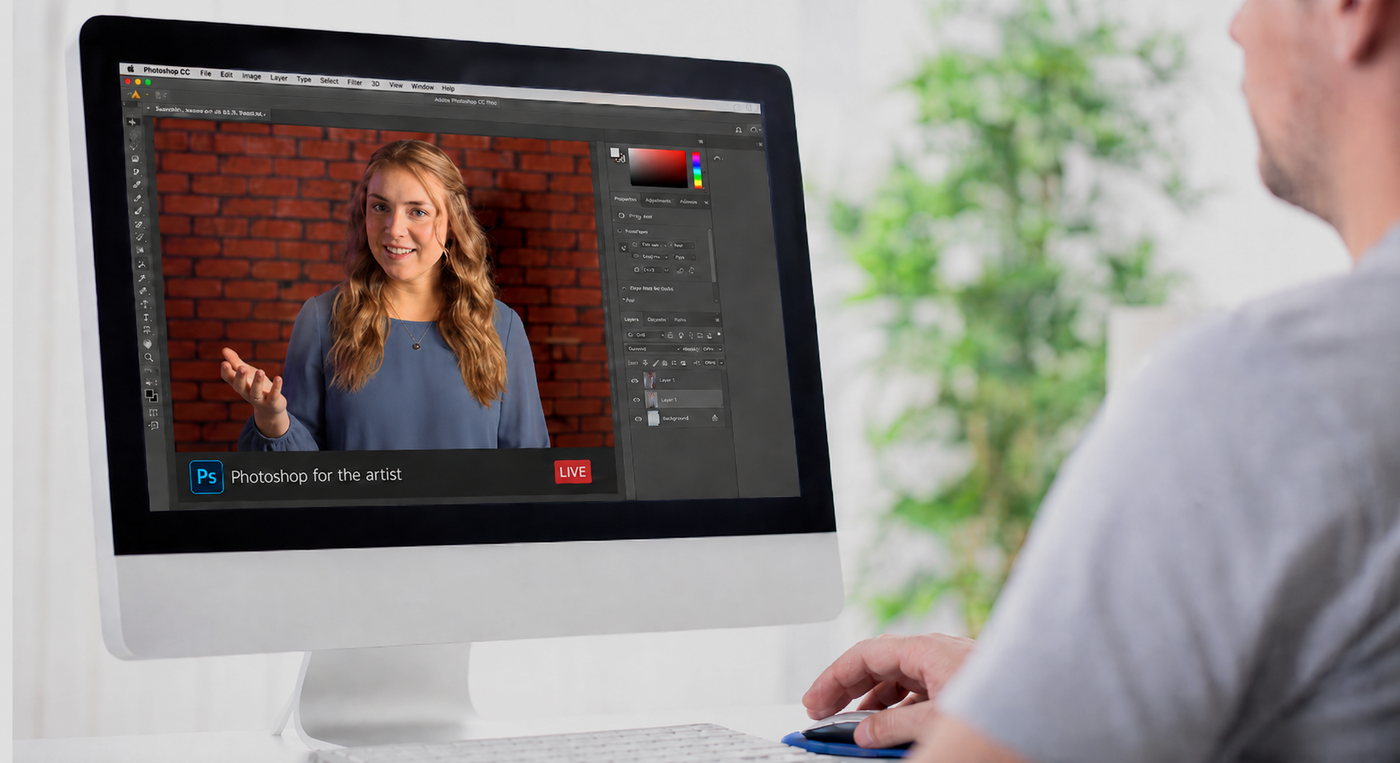
She teaches privately over Zoom, one to one, working on your own images and on whatever part of Photoshop is giving you trouble. It does not have to be anything covered in the course.
Things our members have brought to an hour with her
- An image they could not get right, worked on together until it was.
- Camera Raw, because the sliders make no sense and nobody has ever explained them.
- Layers and layer masks, from the beginning, slowly.
- Sorting out a filing and workflow mess that has been building for years.
- Getting a print to come out of the printer looking like it did on screen.
- A technique they watched five times on YouTube and still cannot repeat.
- Simply where to start, when Photoshop opens and nothing makes sense.
Be honest with yourself
Who it is for, and who it is not.
We would rather you spent your money on the right thing. Read the right hand column properly, and remember that almost everything in it is still something Samantha can teach you privately.
This is for you if
- You already make photographs you care about, and you want them to carry more.
- Photoshop has always felt like something other people understand.
- You shoot raw, or you are ready to start.
- You want a workflow you can repeat, not a bag of tricks.
- You would like your work to look like yours.
This is not for you if
- You want to learn Photoshop from beginning to end. This is one room of it, though Samantha can teach you the rest one to one.
- You are after technical proficiency for its own sake.
- You want to build composites and montages from several photographs. Ask her about an hour instead.
- You want a one click look applied for you.
- You are not photographing much at the moment. Come back when you are.
Questions
The ones we are actually asked.
Do I need any Photoshop experience before I start?
No. The course begins before Photoshop does, with getting your files in order and developing the raw. If you have never opened the programme, you are exactly who it was built for.
What software do I need?
Adobe Photoshop, which includes Adobe Camera Raw and Adobe Bridge. Those three are all you need and they come together. You do not need Lightroom as well, Camera Raw runs the same engine.
How is this different from the free tutorials on YouTube?
Tutorials answer one question at a time, and they assume you already know which question to ask. The difference here is the order. Twenty two lessons in sequence, each one resting on the last, so you finish with a workflow rather than a collection of tricks.
Can I work through it at my own pace?
Yes, entirely. It is self paced, it does not expire, and it stays in your library. Most of our members go through it once and then return to single lessons as a reference.
Is it suitable if I am a beginner?
Yes, provided you are already photographing. It assumes you can use your camera. It assumes nothing at all about the computer.
Do I need to register on the main Academy site?
Yes. The course lives on the Art Photography Academy, which is where your library and your lessons sit. You create your login there when you enrol.
What support do I get?
You can ask questions as you work through the lessons. If you would rather have Samantha look at your own image with you, she teaches privately over Zoom, and you can email her directly.
Would the course or a one to one suit me better?
If you want the whole workflow, take the course. If you are stuck on one specific thing, book an hour. If you genuinely cannot tell, write to Samantha and describe the problem, she will say which one she thinks you need.
Where to start
The course lives on the Academy. That is where you will find the lessons.
Everything on this page, the whole fine art photography editing workflow, is taught inside Photoshop for the Artist, on the Art Photography Academy. Have a look at the full lesson list and decide from there.
Twenty two lessons, three more on the way, self paced and yours to keep. Private lessons with Samantha are $90 an hour and do not require the course.